
Snap a receipt, done
Point your camera at a till slip. Gloodoh Budget reads the shop, the total and the date, and files it on the right budget line for you.
Gloodoh Budget gives every shilling a job with the 50‑30‑20 rule, then helps you save, clear debt and watch your net worth grow. Encrypted so only you can read it.
Shikanisha Doh. Screens show sample data.
Point your camera at a till slip. Gloodoh Budget reads the shop, the total and the date, and files it on the right budget line for you.
Your budget is locked on your phone with a passphrase only you know. Not even we can open it.
Bills, loan repayments and paydays arrive on time. Snooze one, or log the payment straight from the notification.
Give every shilling a job with the 50‑30‑20 rule, then grow sinking funds, clear debts and watch your net worth rise.
With Google or Apple. Your Gloodoh Budget account is its own, separate from any Gloodoh shopping account.
Choose a passphrase and keep your recovery key somewhere safe. They are the only keys to your data, so nobody can reset them for you.
Split your income into needs, wants and savings, set aside money for what is coming, and plan your debts away.
Import a statement file (it is read on your device and never uploaded), match each line, and close the month with a short review.
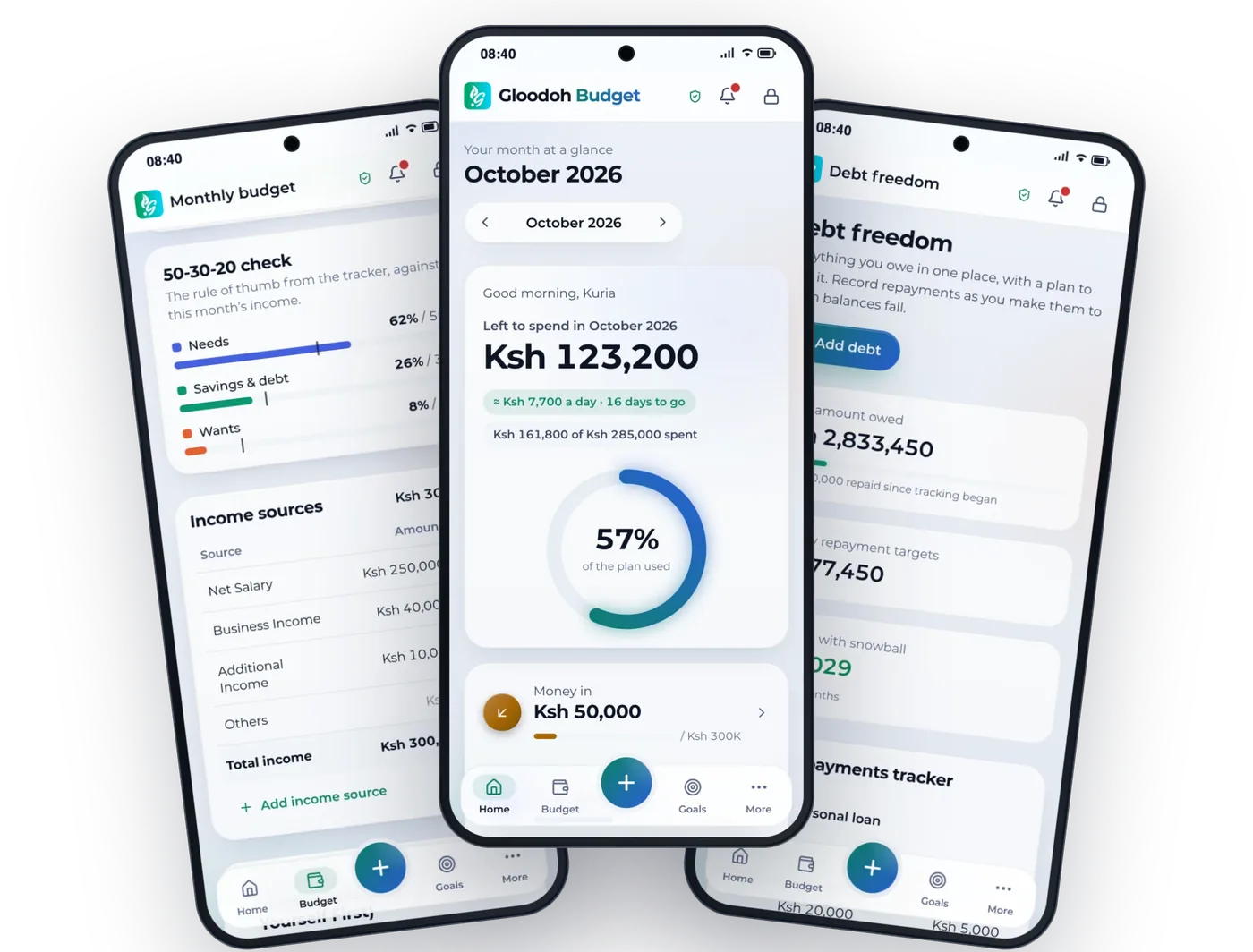
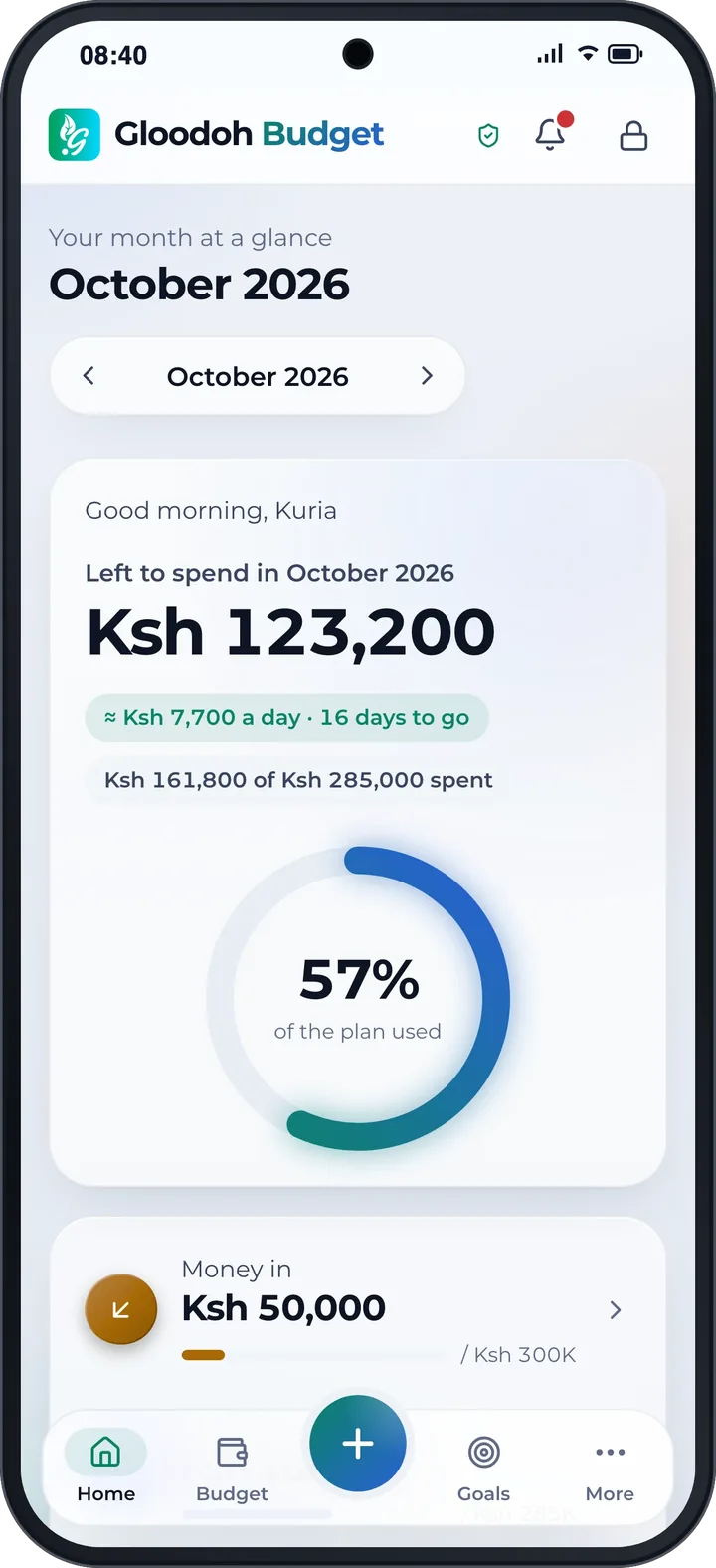
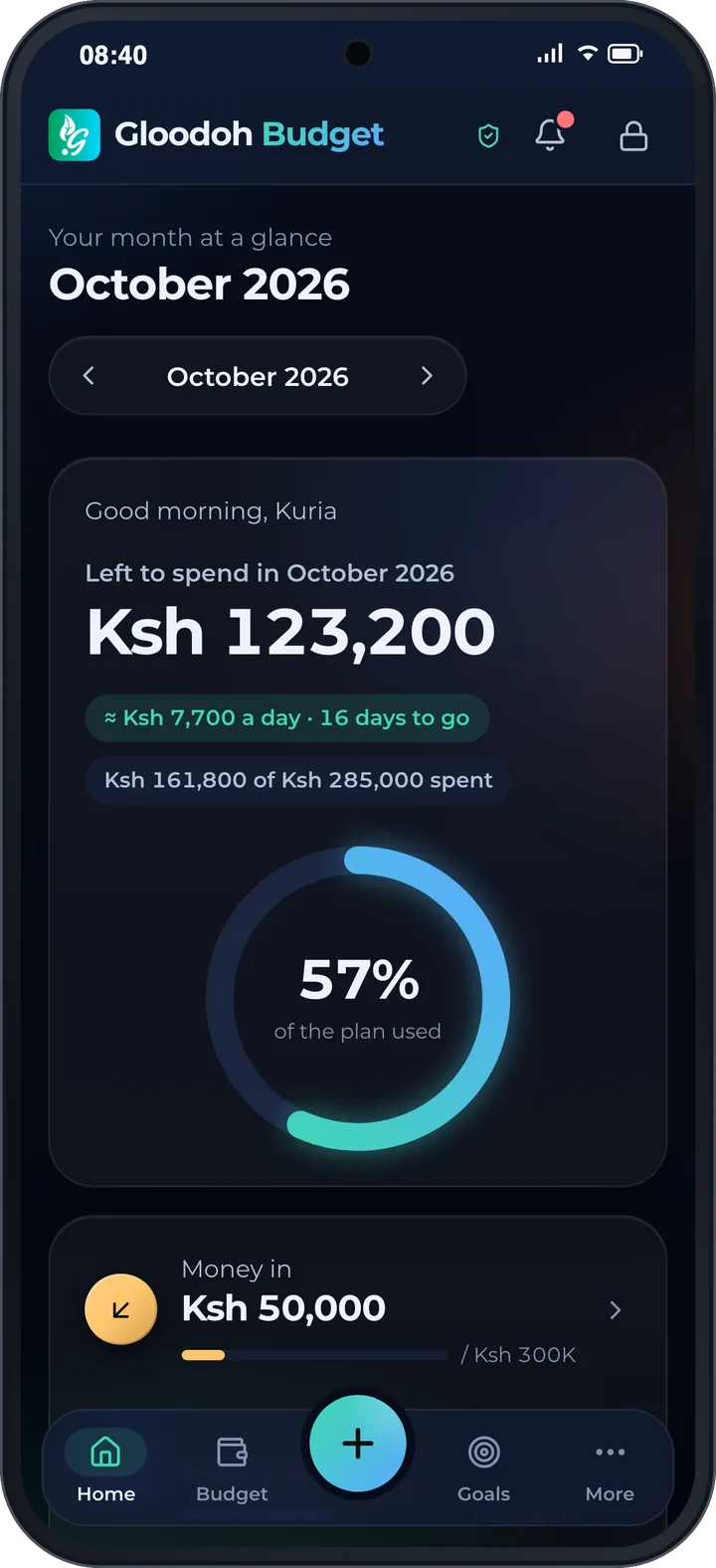
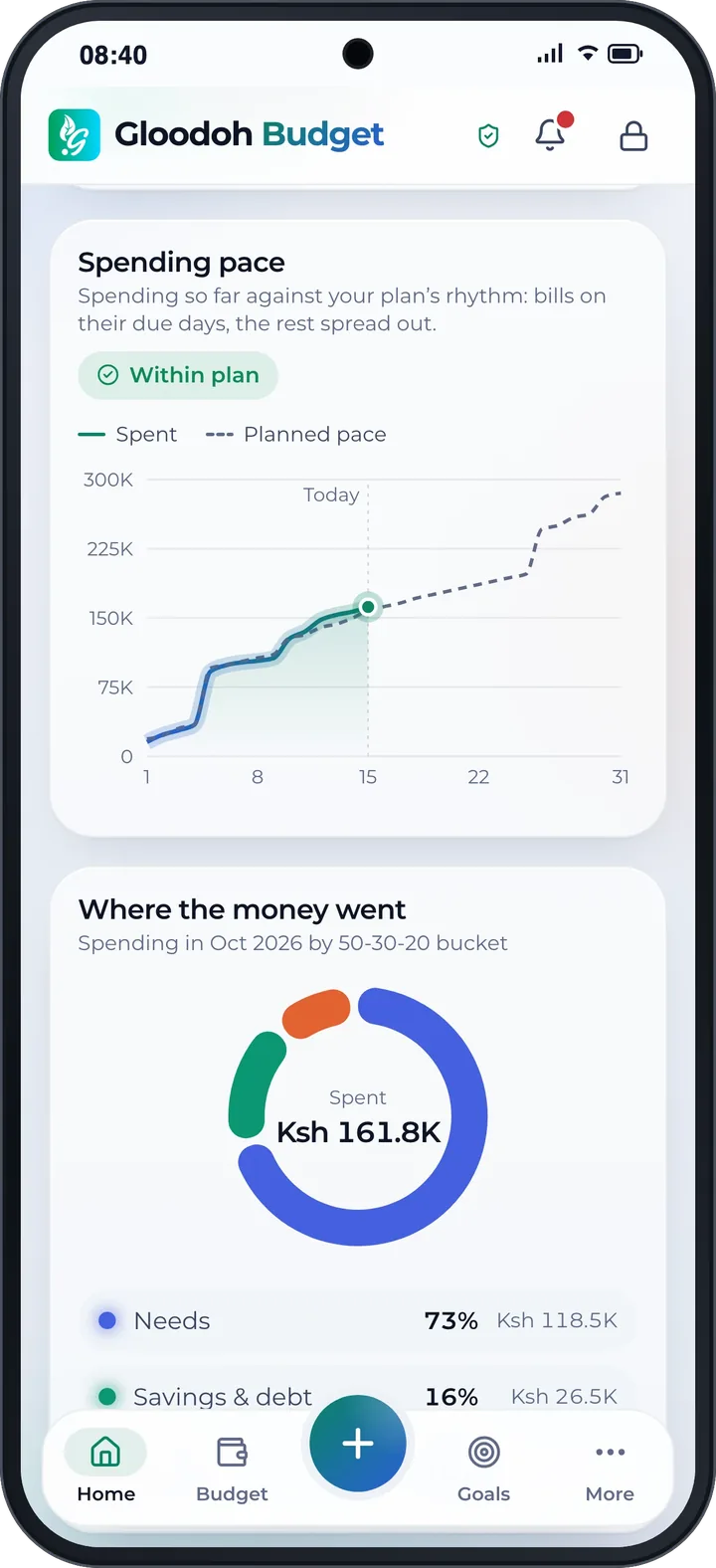
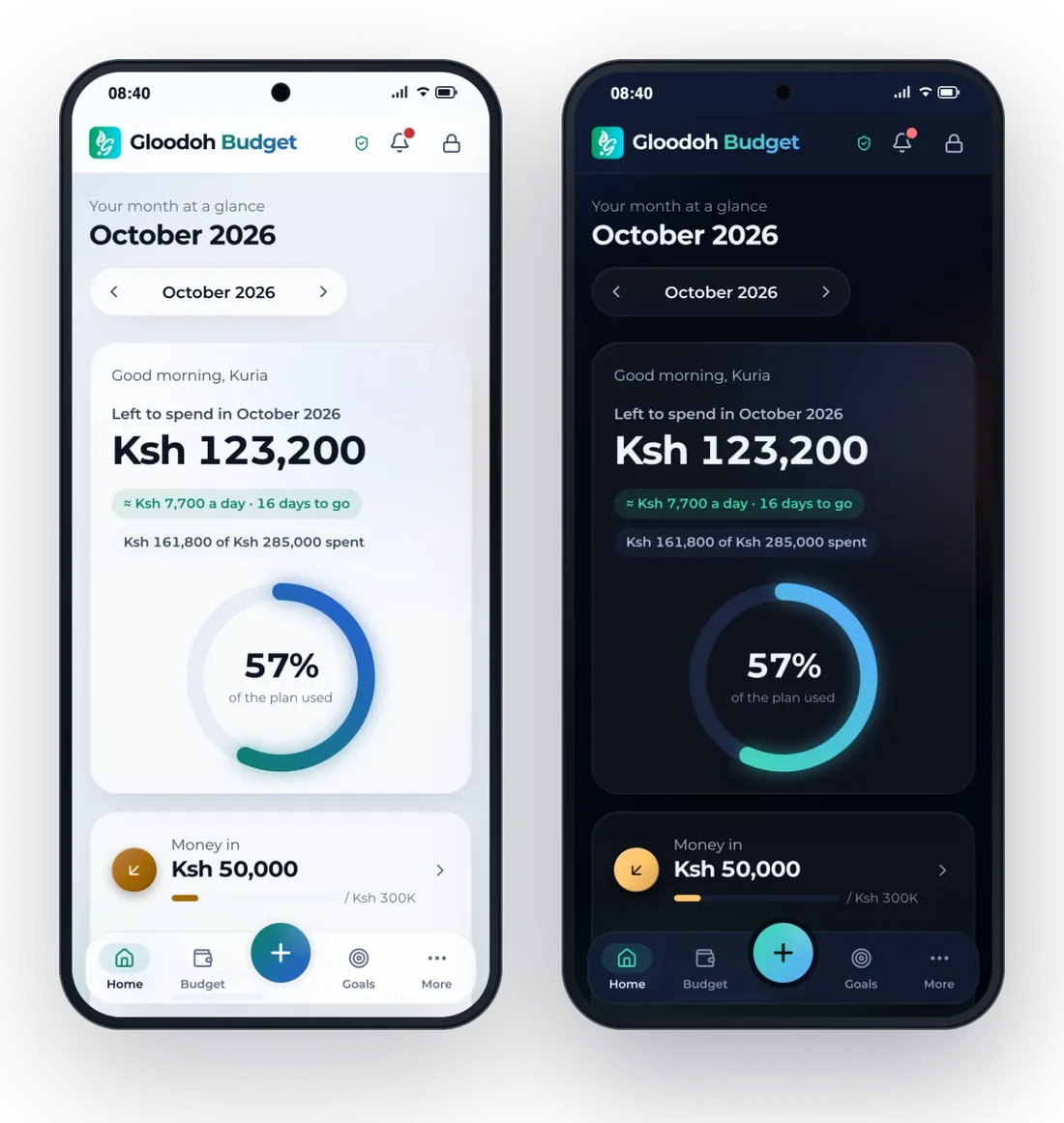
Open the app and see what's left to spend this month, what that means per day, and whether you're ahead of your plan or behind it.
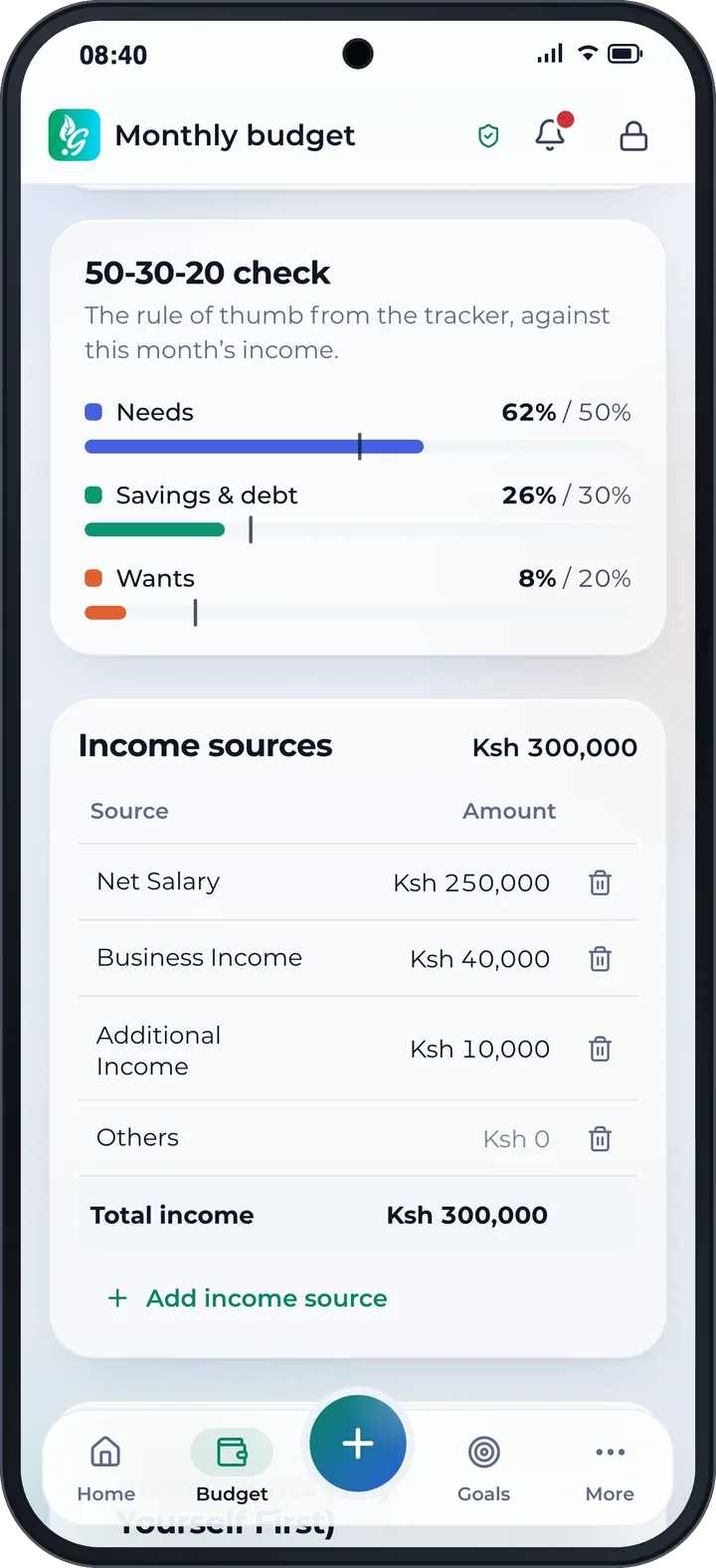
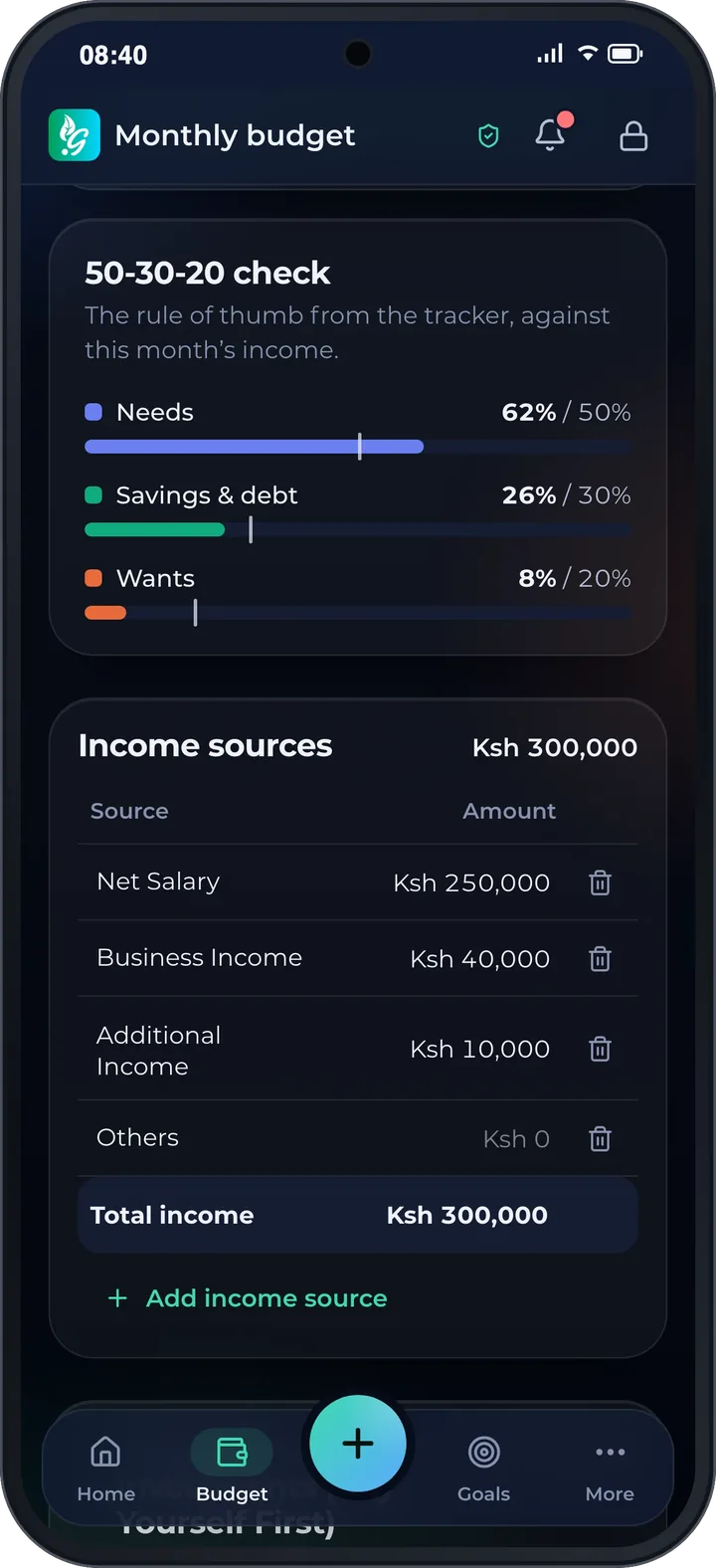
Enter what comes in and what you plan to spend. Gloodoh Budget totals it and checks your month against the 50‑30‑20 rule: needs, savings and debt, and wants.
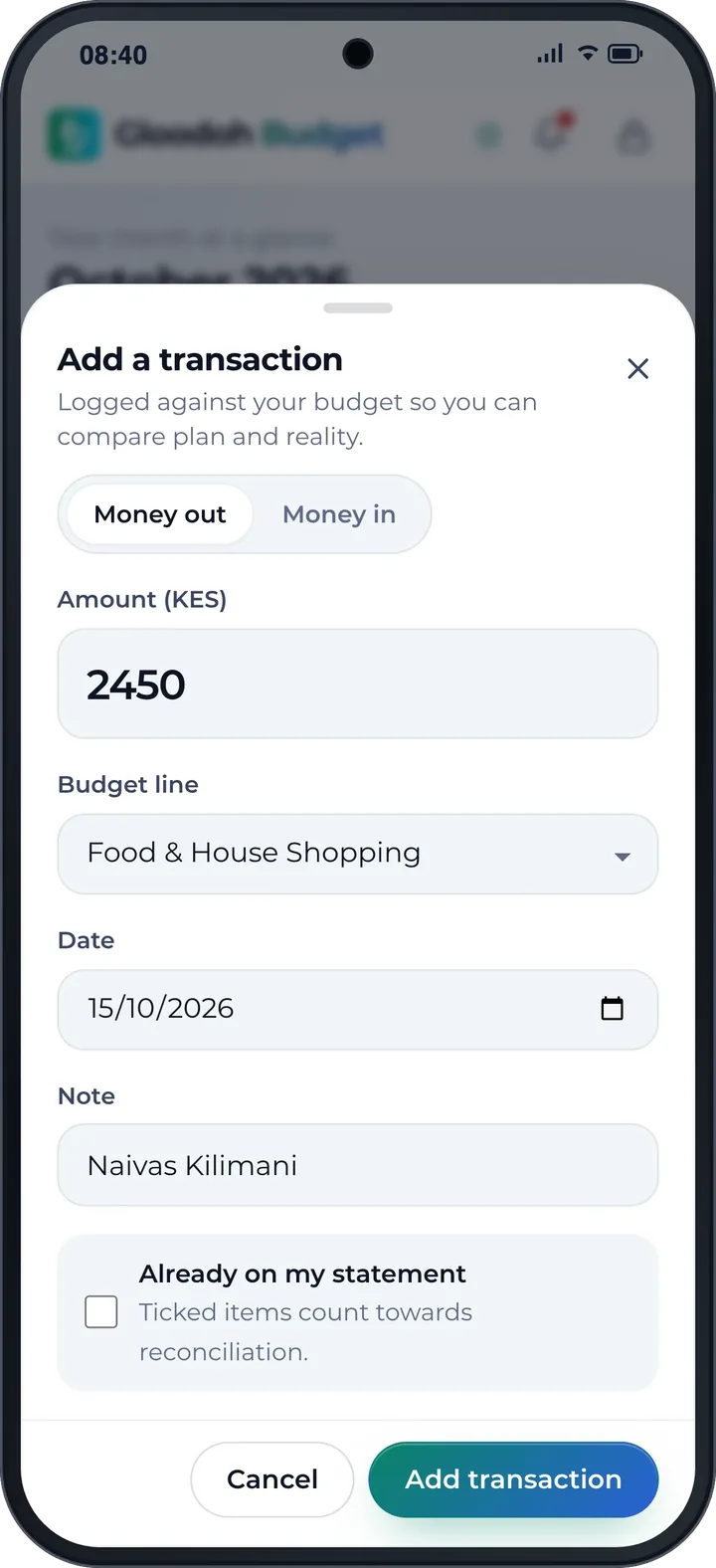
Tap +, enter the amount, pick the budget line, done. On your phone, snap the receipt instead and let the app read it.
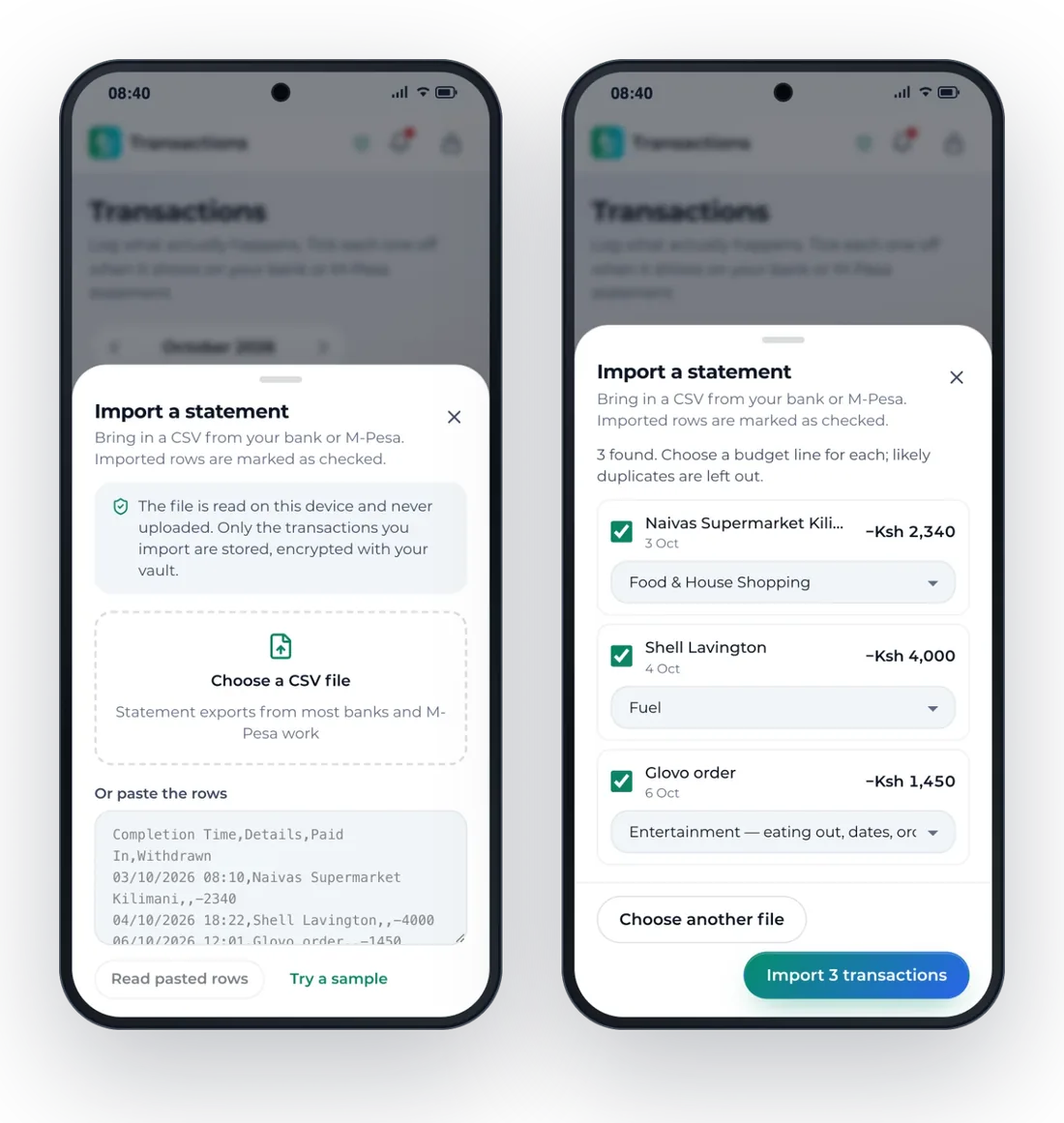
Drop in a CSV from M‑Pesa or your bank. Every row is shown first: choose its budget line, untick what doesn't belong, then import. Likely duplicates are left out. The file is read on your device and never uploaded.
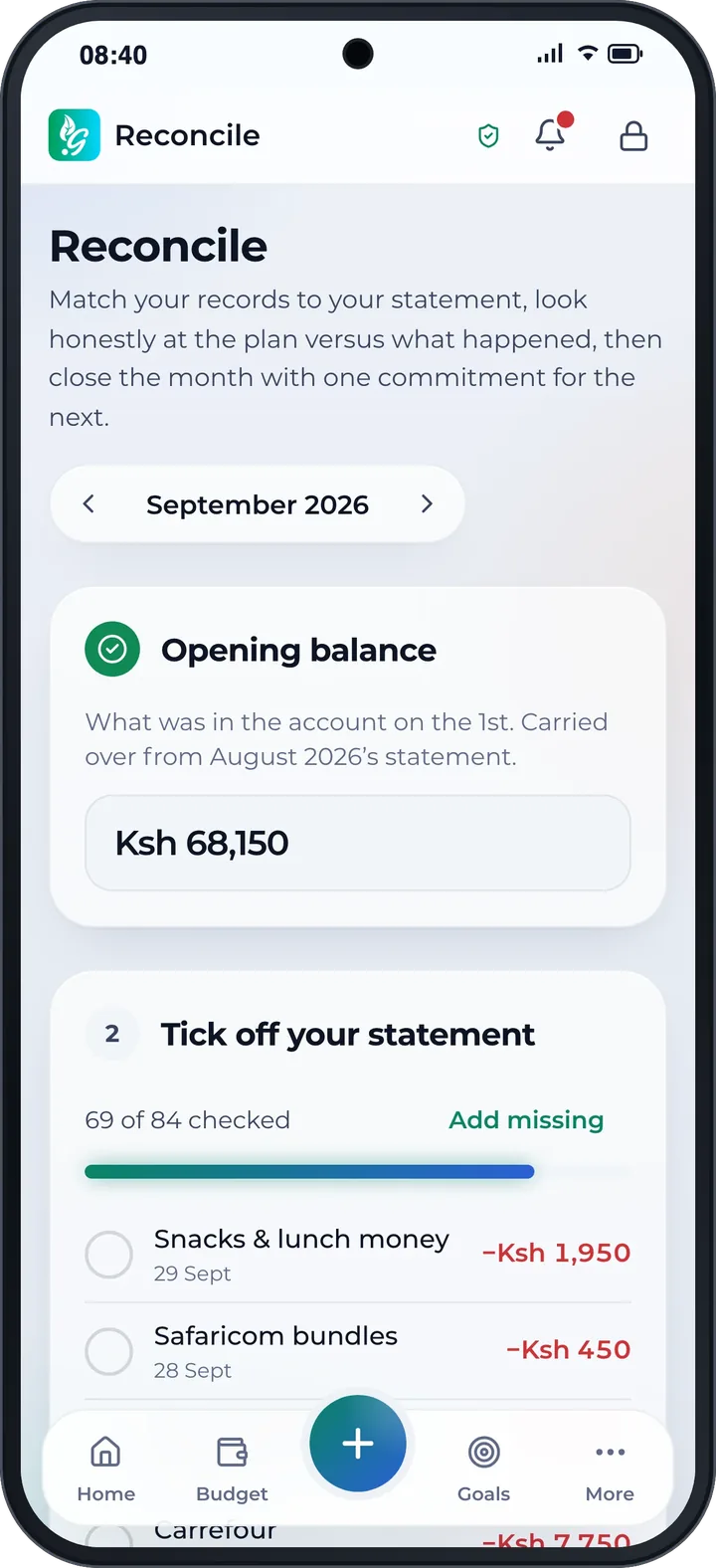
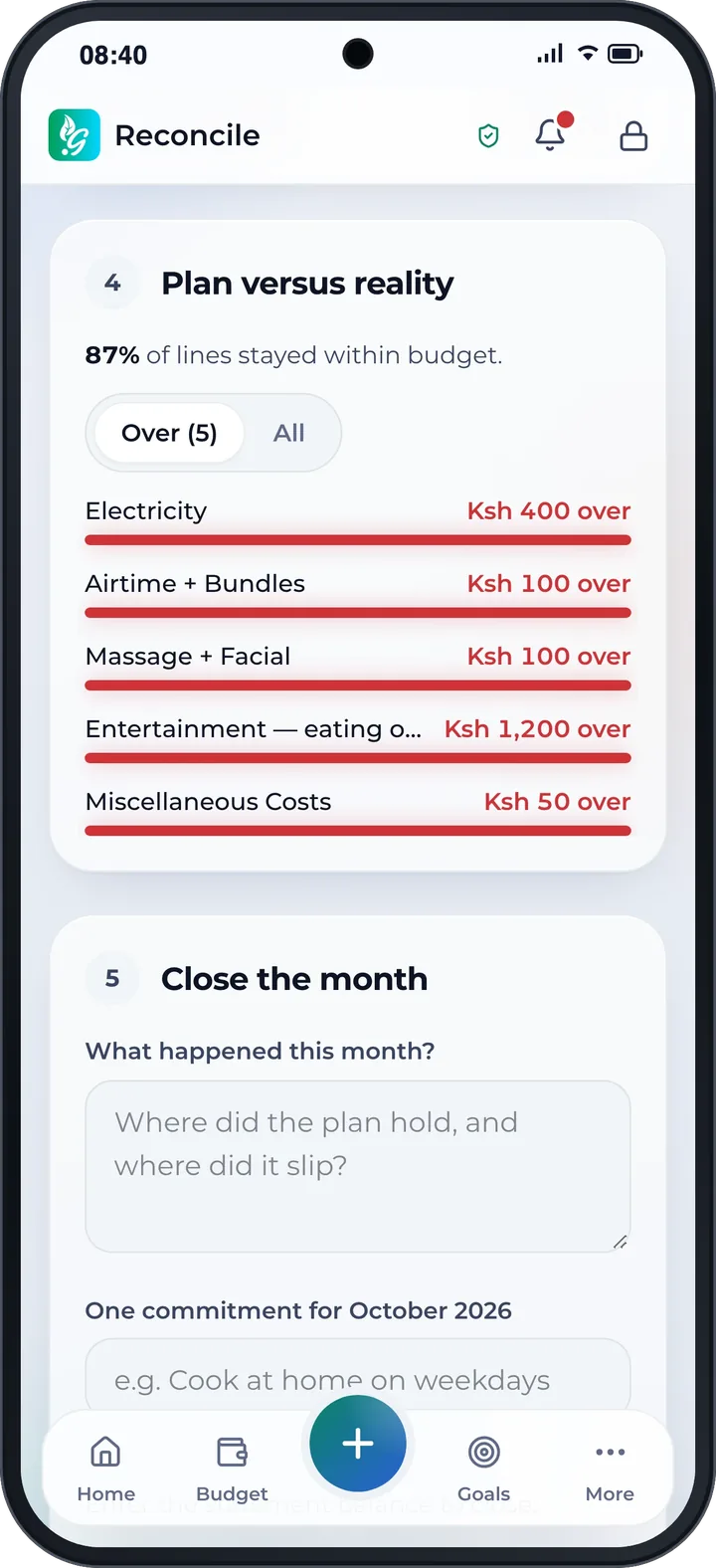
Tick off what shows on your bank or M‑Pesa statement until the balance matches. See which lines went over, and carry one commitment into next month.
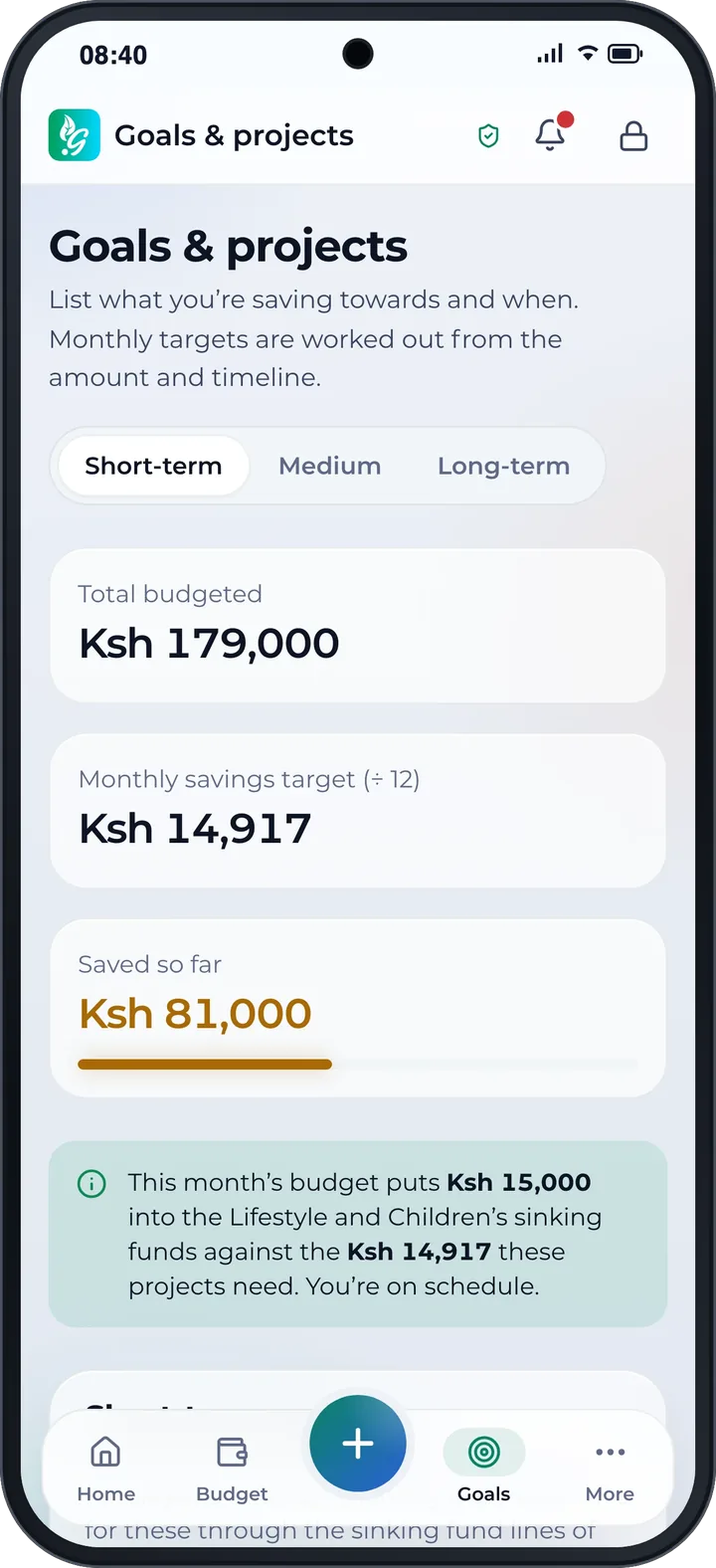
List what you're saving for and by when. The app works out the monthly amount and shows whether your sinking funds are on schedule.
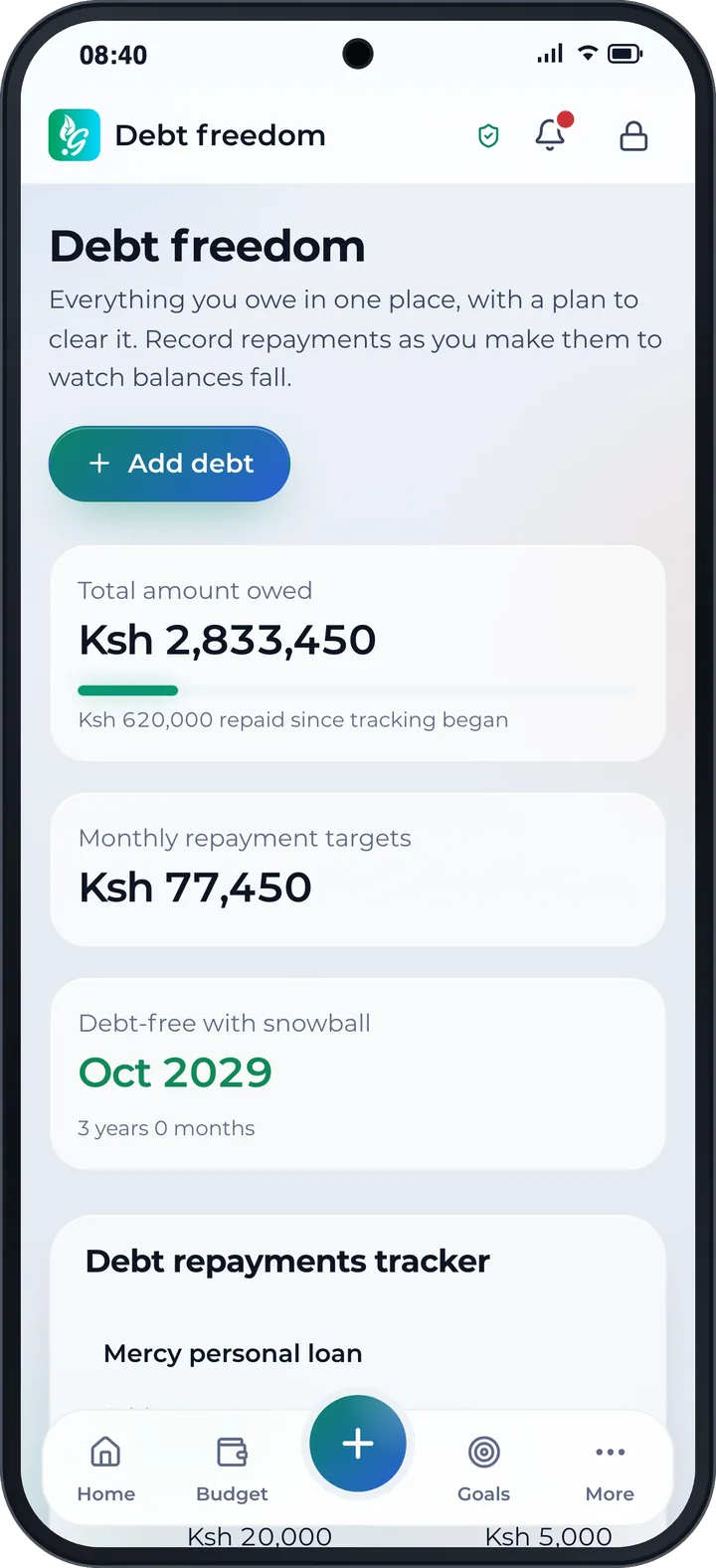
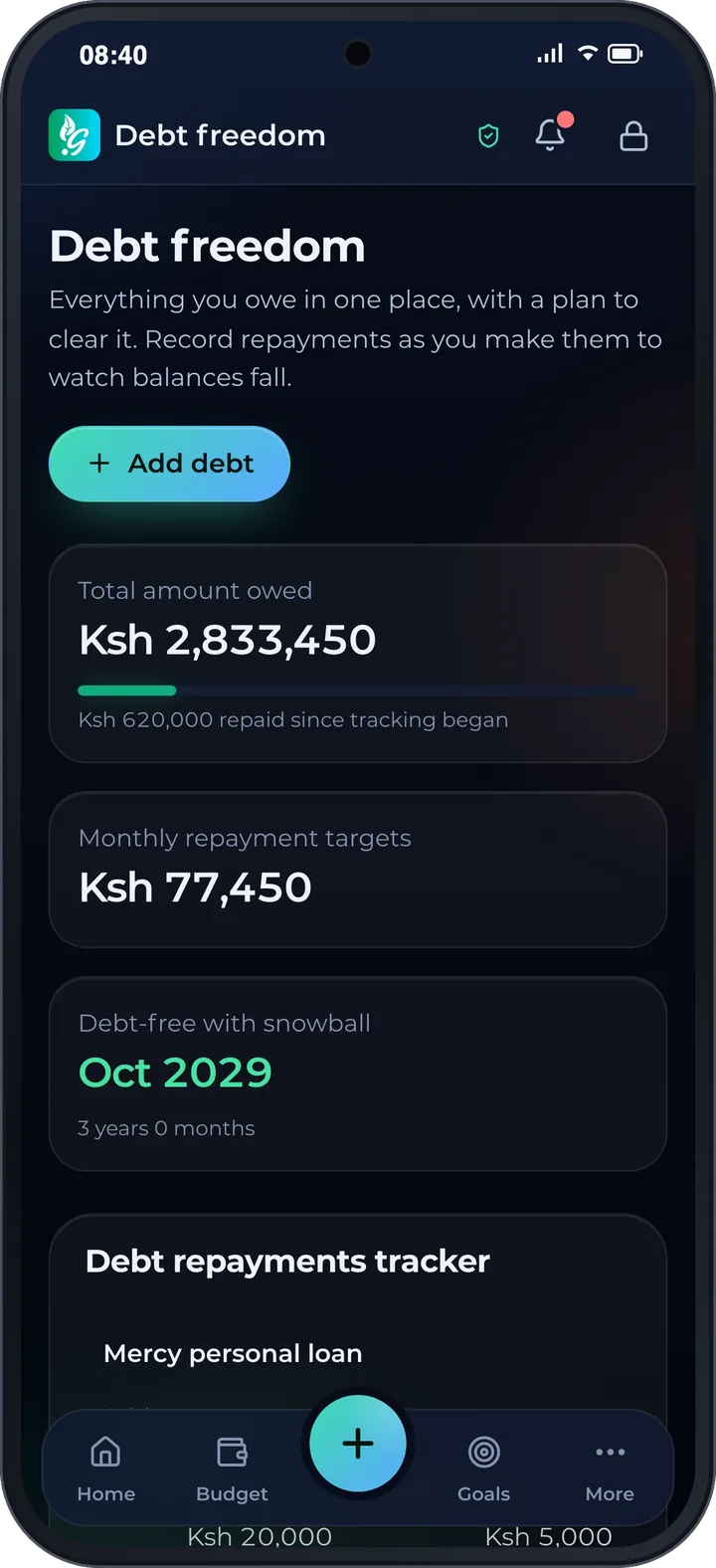
Put every loan in one place. Record repayments as you make them, and the snowball plan shows your debt‑free date.
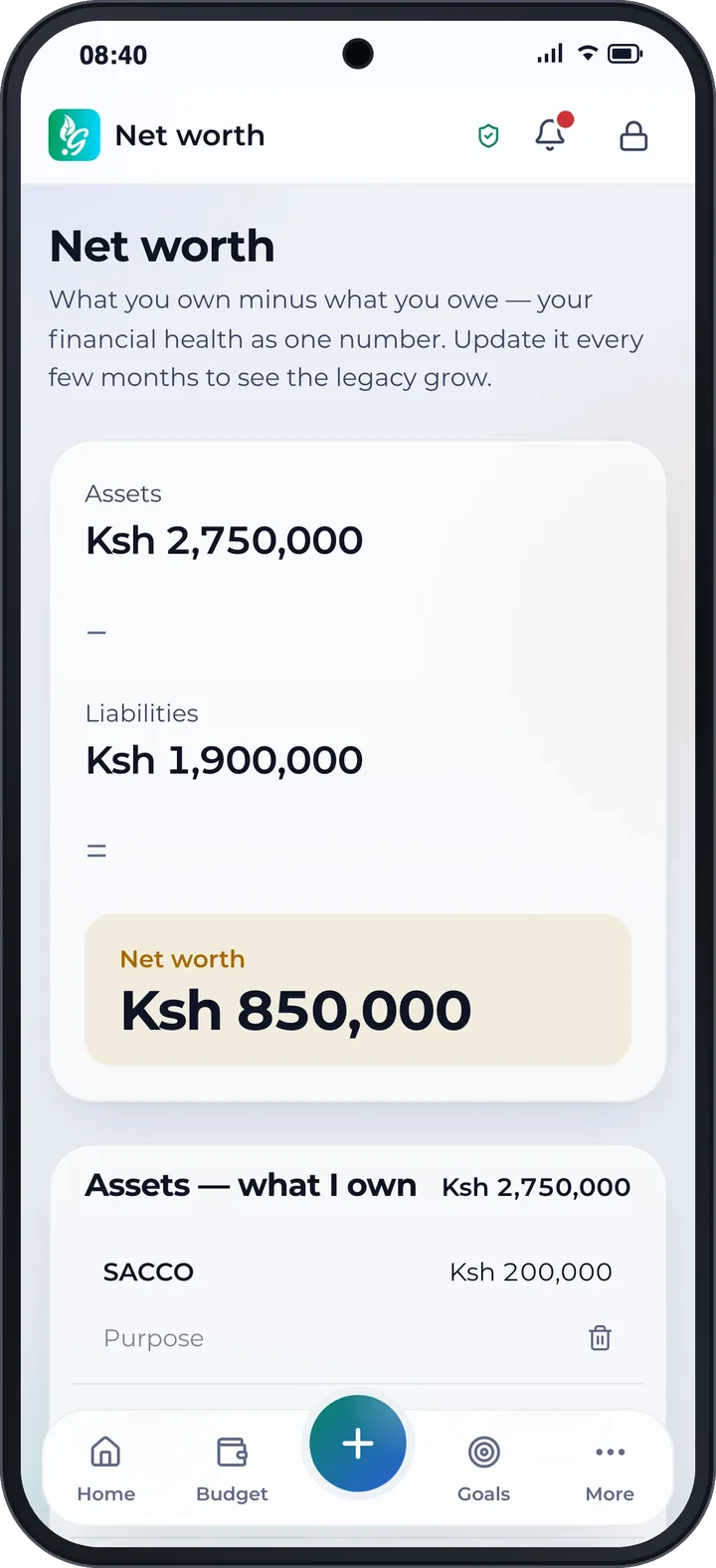
What you own minus what you owe. Update it every few months and watch your legacy grow.
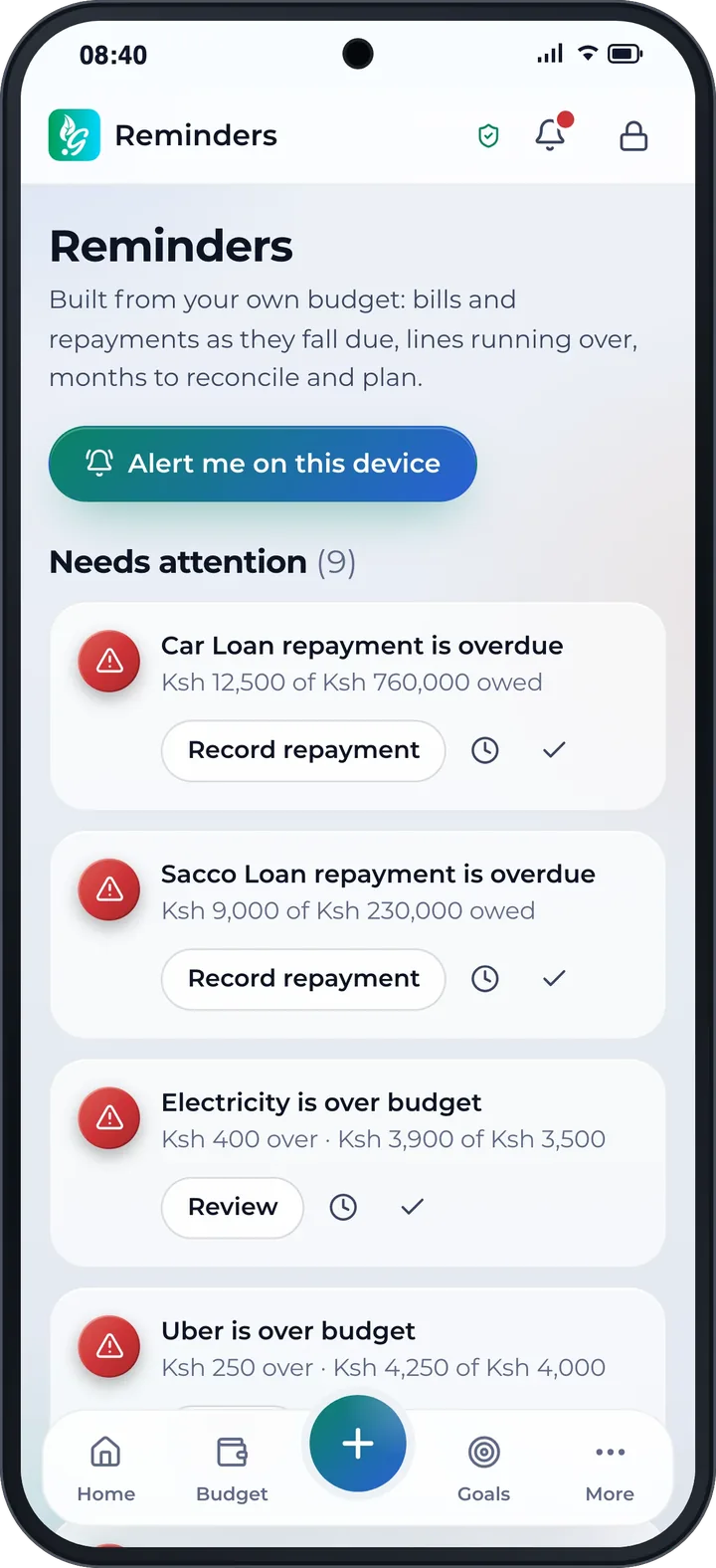
Bills, repayments and lines running over arrive on time, and you can act from the reminder itself.
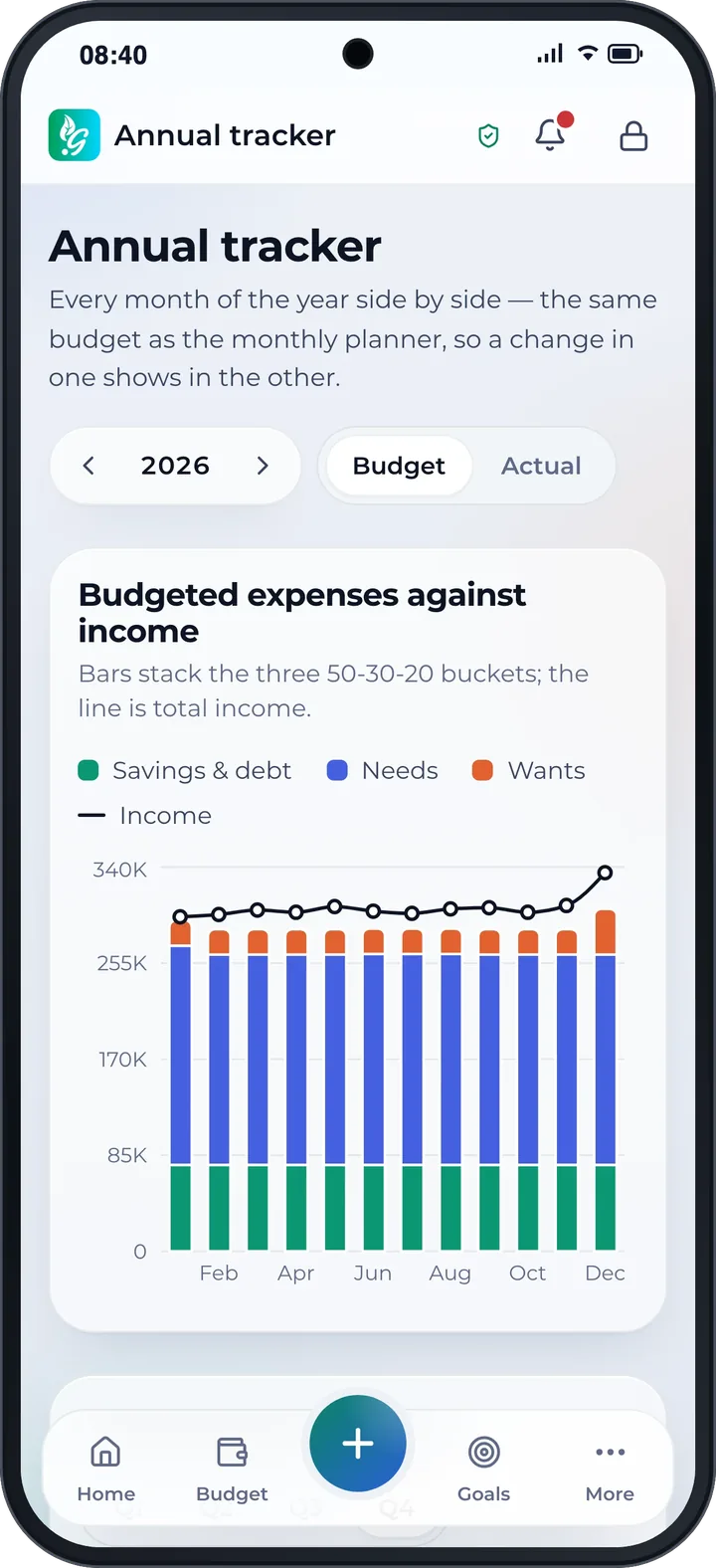
Every month of the year side by side, so seasonal costs show up early.
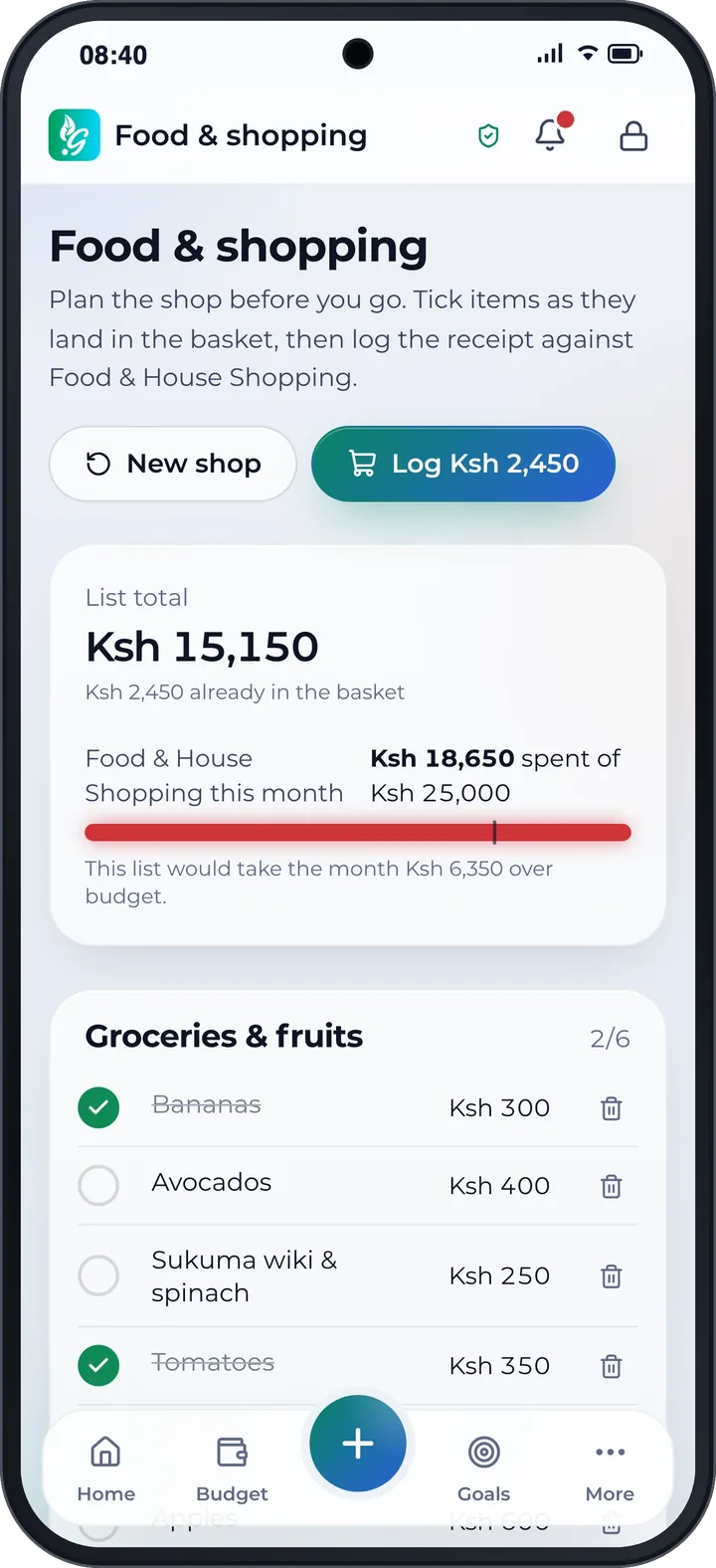
Plan the shop before you go, tick items into the basket, and see whether it fits this month's food budget.
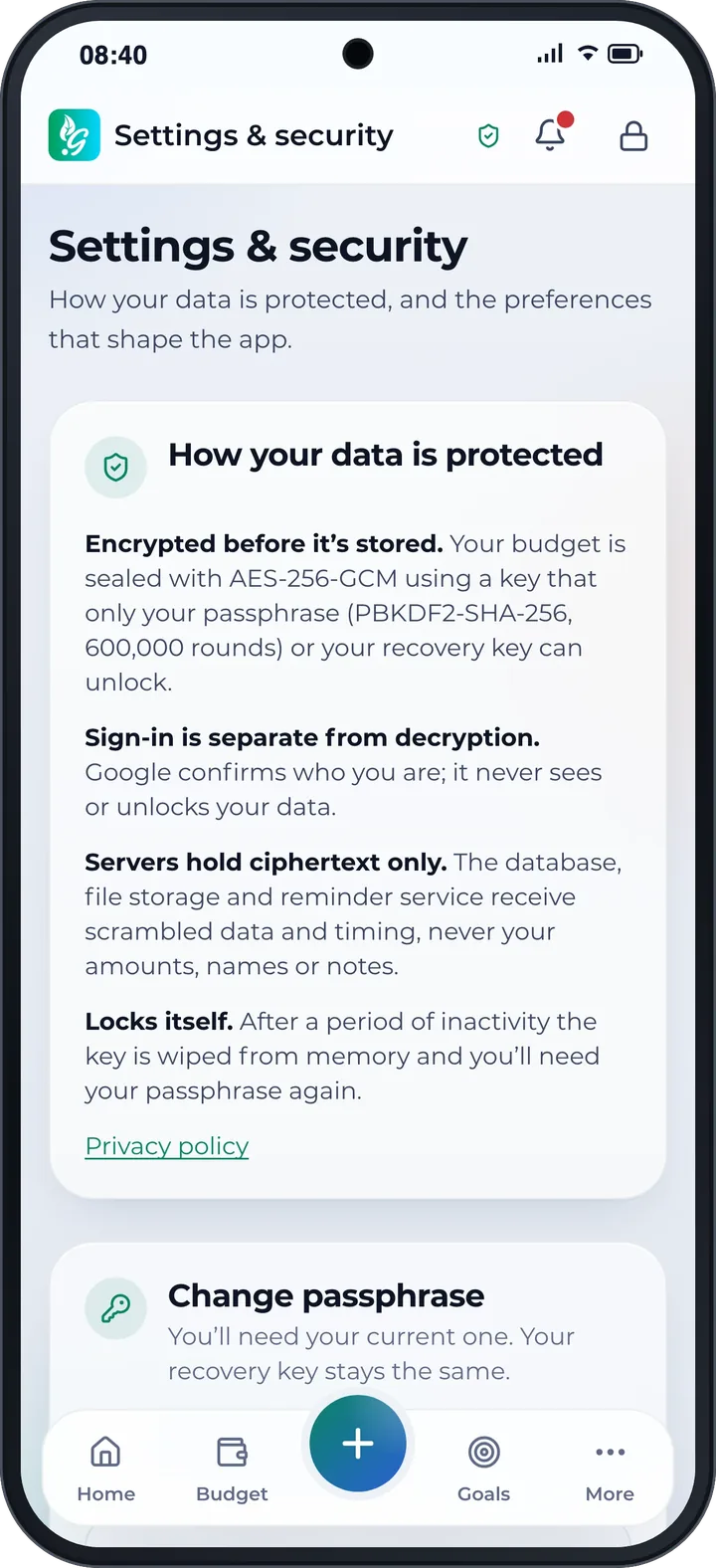
Your budget is sealed with AES‑256‑GCM, using a key only your passphrase or your recovery key can unlock.
Google or Apple confirms who you are. They never see or unlock your data.
We store ciphertext and timing, never your amounts, names or notes.
After a while without activity, the key is wiped from memory.
If you lose both your passphrase and your recovery key, nobody can get your data back. Not even us.
Link your Gloodoh or HereMe account once. Your payments arrive in Gloodoh Budget sealed, so only your unlocked app can read them. Anything that needs a decision waits in To review.
 GloodohShopping and paymentsGloodoh Budget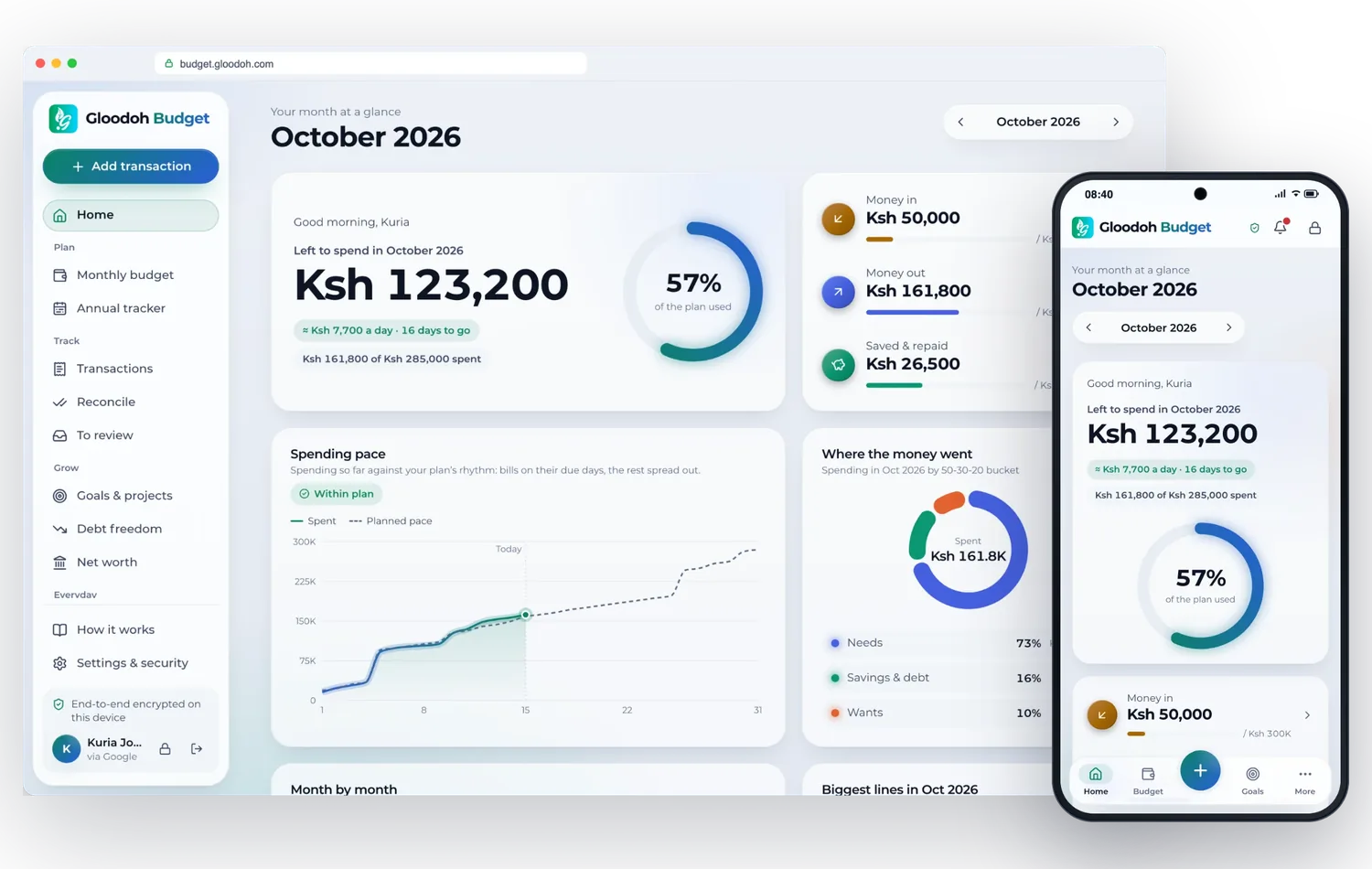
Gloodoh Budget Connect is open to other apps: a documented, end-to-end encrypted API that lets your app send a person's payments into their budget, with their consent.
In your browser: open the web app at budget.gloodoh.com. Gloodoh Budget is coming soon to Google Play and the App Store.
No. You sign in with Google or Apple, and your Gloodoh Budget account is its own, separate from any Gloodoh shopping account.
Only you. Your budget is sealed with AES‑256‑GCM, using a key only your passphrase or your recovery key can unlock. Our servers store ciphertext and timing, never your amounts, names or notes. Google or Apple confirms who you are, but they never see or unlock your data.
Unlock with your recovery key, the one you keep somewhere safe when you lock your vault. Your passphrase and your recovery key are the only keys to your data, so nobody can reset them for you. If you lose both, nobody can get your data back. Not even us.
Gloodoh Budget splits your month into three buckets: needs, savings and debt, and wants. Enter what comes in and what you plan to spend, and the app totals it and shows, as three bars, how your month measures up against the 50‑30‑20 rule.
Yes. Drop in a CSV from M‑Pesa or your bank. Every row is shown first: choose its budget line, untick what doesn't belong, then import. Likely duplicates are left out, and the file is read on your device and never uploaded.
No. Nothing about your budget ever reaches the shop, and your Gloodoh Budget account is separate from any Gloodoh shopping account.
This is coming soon, and it is optional: nothing is sent until you link your Gloodoh or HereMe account, and you can unlink any time. You confirm the link with a pairing code only your Gloodoh Budget shows. Payments then arrive sealed, so only your unlocked app can read them, and anything that needs a decision waits in To review.
Questions? Write to budget@gloodoh.com
Shikanisha Doh.